Access control systems change over time even when the hardware stays in place. Employees move departments, vendors rotate, doors are adjusted, schedules change, and new locations are added. Without a repeatable review, yesterday’s decisions can become today’s security gaps.
A commercial access control audit examines more than whether a badge unlocks a door. It reviews the complete path from the credential and permission database to the reader, lock, door position, alarm response, and reporting process.
1. Build an accurate door inventory
Start with every controlled opening and confirm its purpose. Include main entrances, employee doors, server rooms, inventory areas, loading docks, elevators, gates, and connections between tenant or departmental spaces.
For each opening, document:
- Door name and physical location
- Reader and credential type
- Locking hardware
- Door position switch and request-to-exit device
- Normal unlock schedule
- Groups allowed to enter
- Camera coverage, if applicable
- Current hardware or operational issues
Naming should be consistent in the software and on floor plans. Ambiguous labels make incident response slower.
2. Test the complete door operation
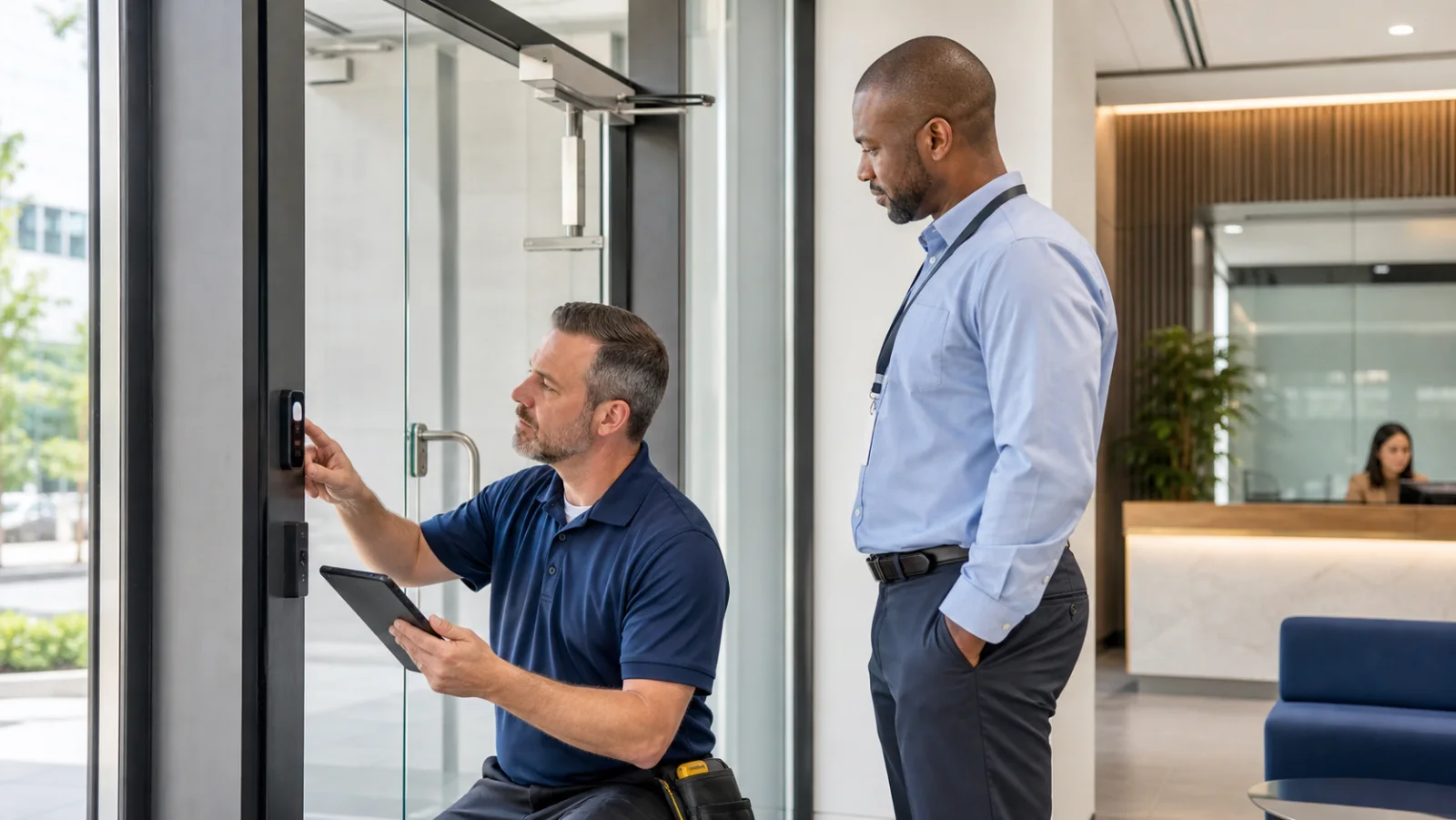
A successful credential read does not prove the entire opening is secure. Test authorized entry, denied entry, request-to-exit, door-held and door-forced conditions, and relocking.
Look for doors that do not close fully, misaligned strikes, damaged closers, loose readers, propped-open habits, and alarms that nobody receives. Mechanical door problems can defeat otherwise capable access control systems.
3. Review users, credentials, and permissions
Compare the active credential list with current HR, tenant, contractor, and vendor records. Remove access that is no longer justified and investigate credentials that have not been used for extended periods.
Pay special attention to:
- Former employees or residents
- Temporary badges without expiration dates
- Shared credentials
- Vendors with broad or around-the-clock permissions
- Administrators with more rights than their role requires
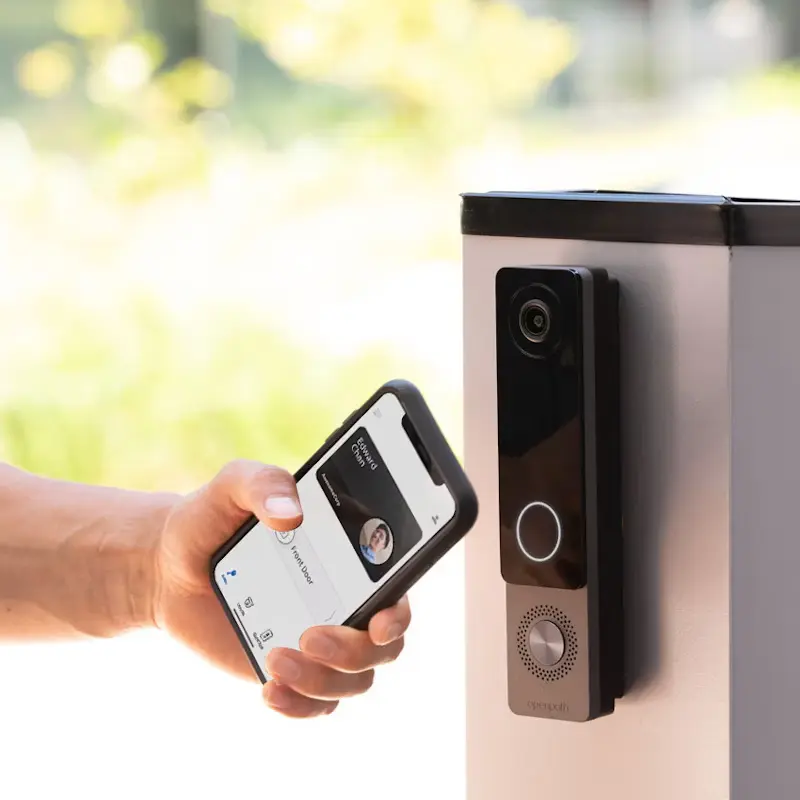
- Mobile credentials tied to replaced or personal devices
Use role-based groups wherever possible. Managing permissions one person at a time creates inconsistency and makes reviews harder.
4. Validate schedules and holidays
Automatic unlock schedules should match current operating hours. Review weekends, holidays, seasonal changes, after-hours events, and location-specific exceptions.
An old schedule can leave a lobby unlocked when no staff are present. Overly restrictive schedules can create workarounds such as propped doors. The audit should align security with actual operations.
5. Inspect alerts and reporting
Confirm which events generate alerts, who receives them, and what action is expected. Excessive nuisance alerts can be as damaging as missing alerts because teams begin to ignore them.
Useful reporting may include denied-access trends, doors held open, activity after hours, repeated credential attempts, and changes made by system administrators.
6. Check video and intercom integrations
When cameras and access events are integrated, an operator can move from a door alarm to the related video more quickly. Test that the correct camera is associated with each important opening and that timestamps match.
At visitor entrances, verify that the video entry or intercom system supports the actual workflow for reception, tenants, deliveries, and after-hours calls.
7. Review resilience and cybersecurity
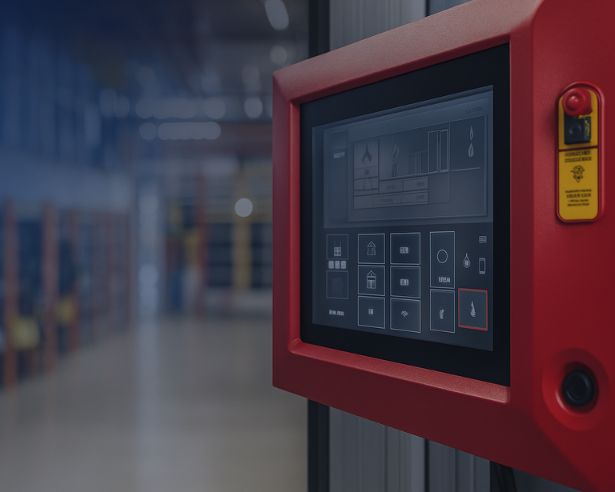
Ask what happens if the internet connection, server, controller, power, or management platform becomes unavailable. Confirm backup power where appropriate, controller behavior during outages, database backup, software updates, and administrator authentication.
Access control is part of the networked building environment. Coordinate it with the organization’s secure IT infrastructure instead of treating it as an isolated appliance.
8. Document corrective actions
Turn findings into an assigned plan with priorities and target dates. Separate immediate risks from maintenance items and longer-term upgrades.
A useful action log includes the affected opening, finding, risk, responsible party, required parts or configuration, completion date, and retest result.
How often should an audit happen?
The right frequency depends on turnover, facility risk, and system complexity. Reviews should also happen after a renovation, acquisition, tenant change, security incident, major staffing change, or software migration.
High-change environments benefit from smaller recurring reviews rather than waiting for one large annual cleanup.
Turn the audit into a stronger operating process
An access control audit is valuable because it connects physical hardware, digital permissions, and daily procedures. It helps facilities and security teams find the quiet gaps that normal badge use does not reveal.
Tolleson Inc. helps organizations assess, design, install, and improve commercial access control across Nashville, Middle Tennessee, and nationwide. To review your current system or plan an upgrade, talk through your project.