Cloud-managed access control does not mean every door stops working whenever an internet connection is interrupted. It also does not mean all functions continue unchanged. The result depends on the installed controllers, readers, credentials, power design, network architecture, and platform configuration.
The right way to plan for an access control internet outage is to separate normal door operation from remote management and then test the actual system under supervision.
Separate local decisions from cloud communication
Ask the integrator which components make the access decision at each opening and which services require communication beyond the building. Some systems can retain approved credential information locally, while administrative changes, remote unlock commands, notifications, or cloud reporting may be delayed. Behavior varies by product and configuration.
Request a written list of functions expected to continue, pause, or queue during an outage. It should cover ordinary credential use, recent user changes, alarms, visitor workflows, reporting, and remote support.
Include the supporting network and power path
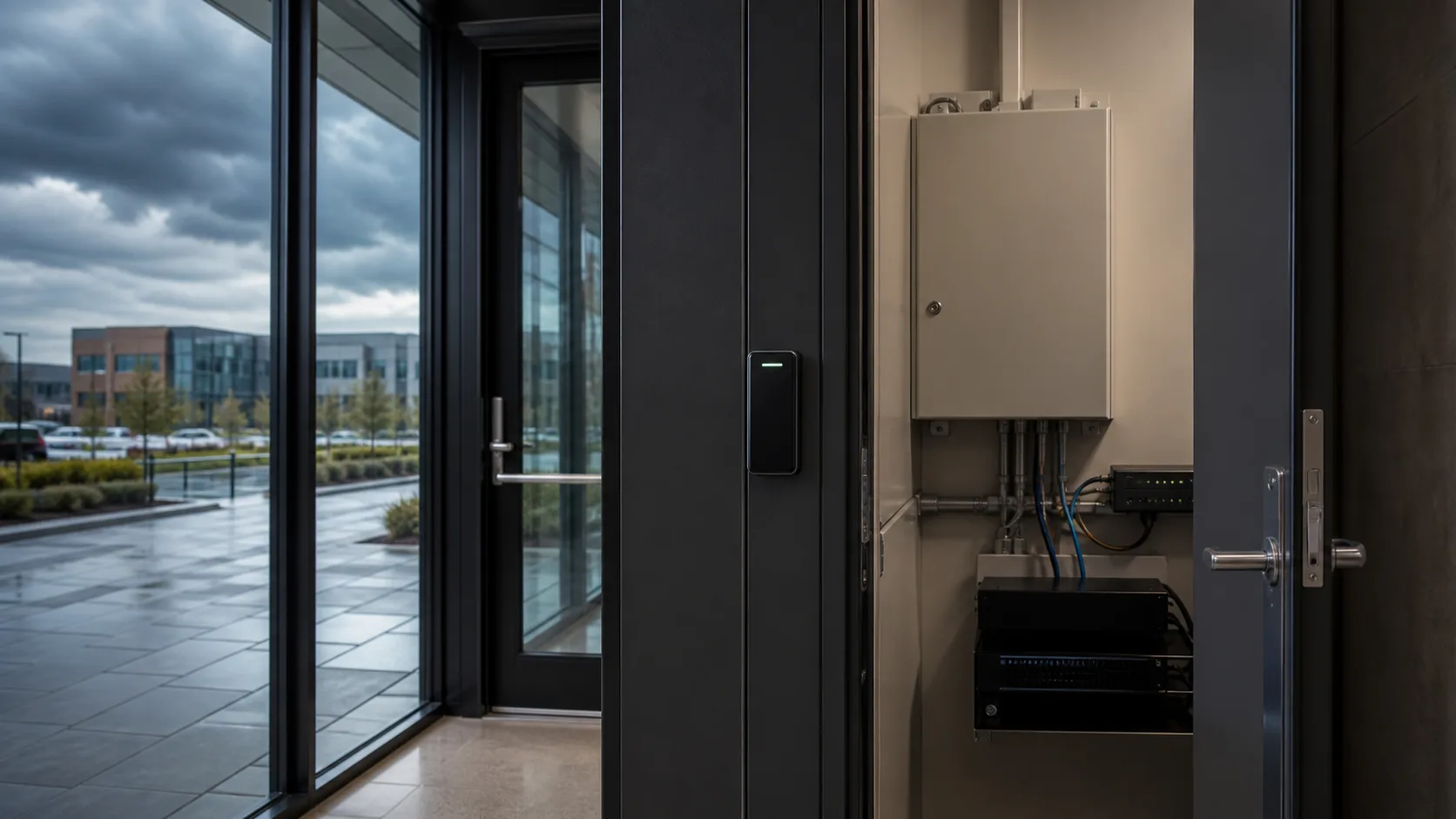
An internet outage is only one failure condition. A local switch, controller connection, power supply, or equipment-room circuit can affect a different set of doors. Map the path from the reader and locking hardware through controllers, switches, firewalls, power supplies, and any cloud connection.
Coordinate the plan with the team responsible for secure IT systems and network infrastructure. Document which devices have backup power, how long that design is intended to support them, and who receives equipment alerts.
Define the operational response
Give employees and building staff a simple process for reporting a problem without teaching anyone to bypass controls. Identify the primary contact, after-hours escalation, authorized decision maker, and method for communicating building instructions.
Plan for visitors, deliveries, cleaning teams, and employees whose access changed shortly before the interruption. A cached permission may not reflect a recent administrative change until systems reconnect. The exact behavior must be verified for the installed platform.
Test safely with qualified oversight
Schedule a controlled test with the integrator, IT team, property representative, and other responsible professionals. Do not disconnect equipment or change door behavior without an approved procedure. Life-safety, egress, accessibility, and locking requirements must be reviewed for the specific opening by qualified parties.
The test record should state:
- Which connection or service was interrupted
- Which doors and functions were observed
- Whether valid and recently changed credentials behaved as expected
- Which alerts and events appeared during and after the test
- How queued activity synchronized after restoration
- Any exceptions, corrective actions, and retest dates
Verify recovery, not just outage behavior
When communication returns, confirm that controllers reconnect, queued events appear, time remains correct, administrative changes synchronize, and users can see the expected system health. Record how long recovery took and whether anyone had to intervene.
Include this scenario in the commercial access control audit checklist and revisit it after material platform, network, or controller changes.
Make resilience part of the proposal
Before selecting or upgrading commercial access control, ask bidders to describe outage behavior, dependencies, monitoring, support ownership, and acceptance tests in writing. A precise answer is more useful than a broad promise that the system works offline.
Tolleson Inc. can help facilities connect access-control planning with the network and power dependencies behind it. Schedule a consultation to review the questions for your property.