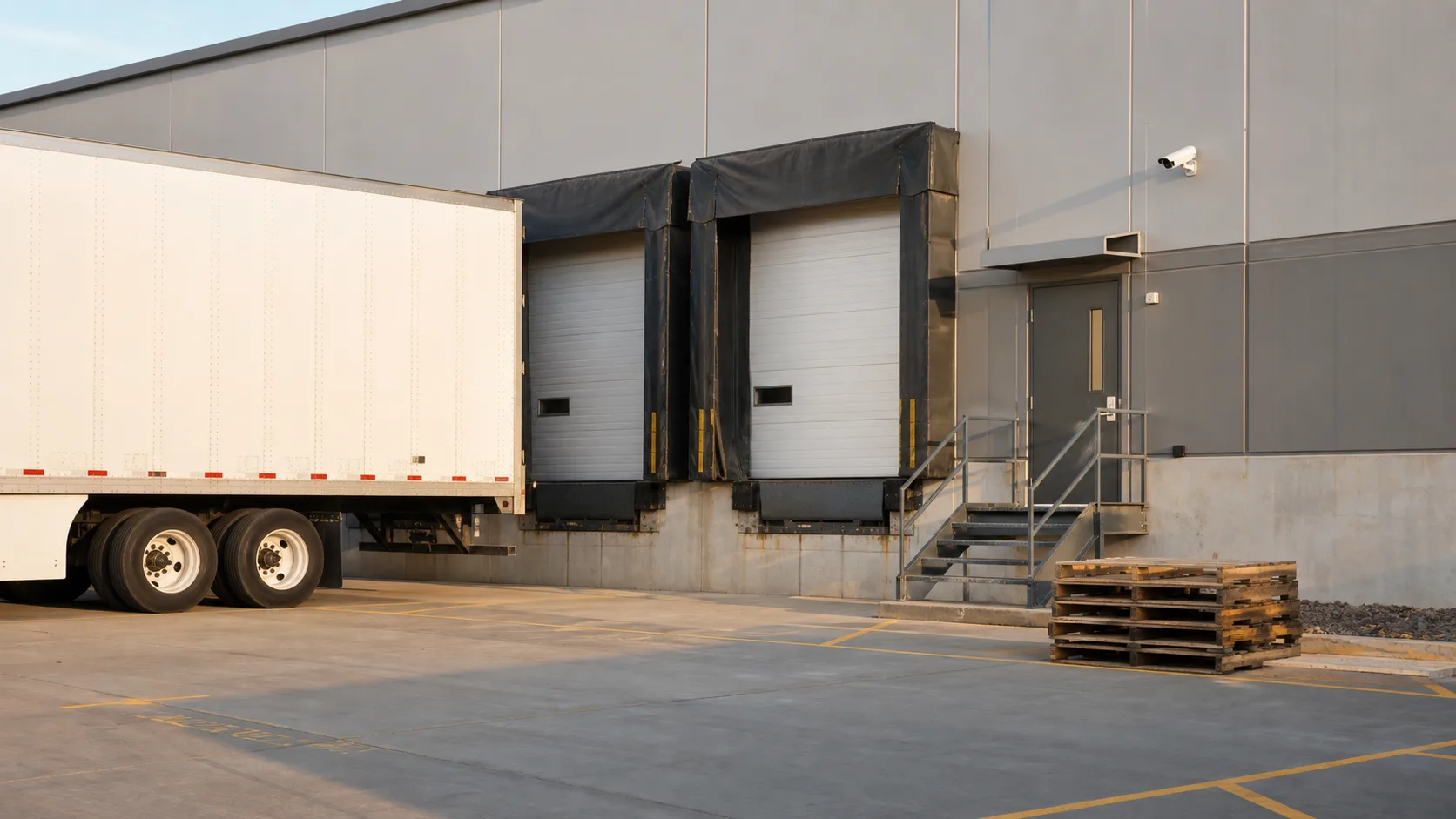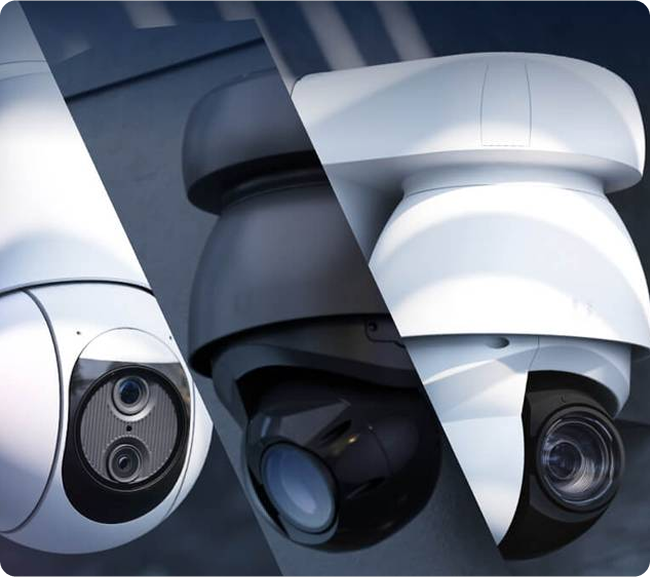
A loading dock can look well covered on a quiet afternoon and become difficult to review once trailers, pallets, and people fill the same space. Counting cameras does not tell you whether a recording will answer the question that matters after a delivery dispute or an unexpected entry.
Good loading dock camera coverage starts with the events your team needs to understand. Then it tests those events under normal operating conditions, including occupied bays and changing light. For warehouses and distribution centers in Nashville and Middle Tennessee, that makes the site survey as important as the camera selection.
Start with the question each view must answer
Give every proposed view a purpose. An overview may show which bay is occupied and how traffic moves across the apron. A closer view may help staff review a handoff at a personnel entrance or a specific staging area. One wide image may not provide enough detail for both jobs.
Write the purpose in plain language. Examples include confirming when a vehicle arrived, reviewing the movement of a shipment through an agreed transfer area, or checking activity at an employee entrance. Avoid a vague requirement such as “cover the whole dock.”
If the facility has broader security concerns, start with the existing guide to security systems for warehouses and distribution centers. This article focuses on the narrower camera-layout and acceptance-testing decisions at the dock itself.
Survey the dock while it is working
Walk the area with operations staff who know how it changes during a shift. Mark trailer positions, common staging areas, pedestrian routes, equipment movements, and doors used by employees or drivers. Ask which temporary arrangements routinely become part of the working layout.
The survey should include both the exterior apron and the interior transition. A camera that sees the outside of a bay may not reveal what happened after material moved inside. An interior camera may lose the useful view when a tall pallet is placed in the foreground.
Take working conditions into account without treating every obstruction as a reason to add another camera. A revised mounting position, a different view, or an operational change may solve the problem more effectively.
Test occupied bays and changing light
The empty-dock view is only a starting point. Check what happens with a trailer at the bay, dock doors open and closed, and the normal staging arrangement in place. Review activity near adjacent bays, not just directly in front of the camera.
Lighting should be assessed at the times that matter to the operation. Bright exterior light behind a person, shaded interiors, vehicle lights, and evening conditions can produce very different recordings. A sharp stationary image is not enough; include normal movement in the review.
Ask the integrator to demonstrate the proposed image under the intended conditions. Camera settings and placement need to balance the required detail with motion, light, and storage. Do not assume that a higher resolution number will resolve every visibility problem.
Treat the personnel entrance as its own workflow
A loading door and a personnel door have different purposes. Review who uses the personnel entrance, whether drivers are expected to report there, and what staff should do when an unplanned visitor arrives.
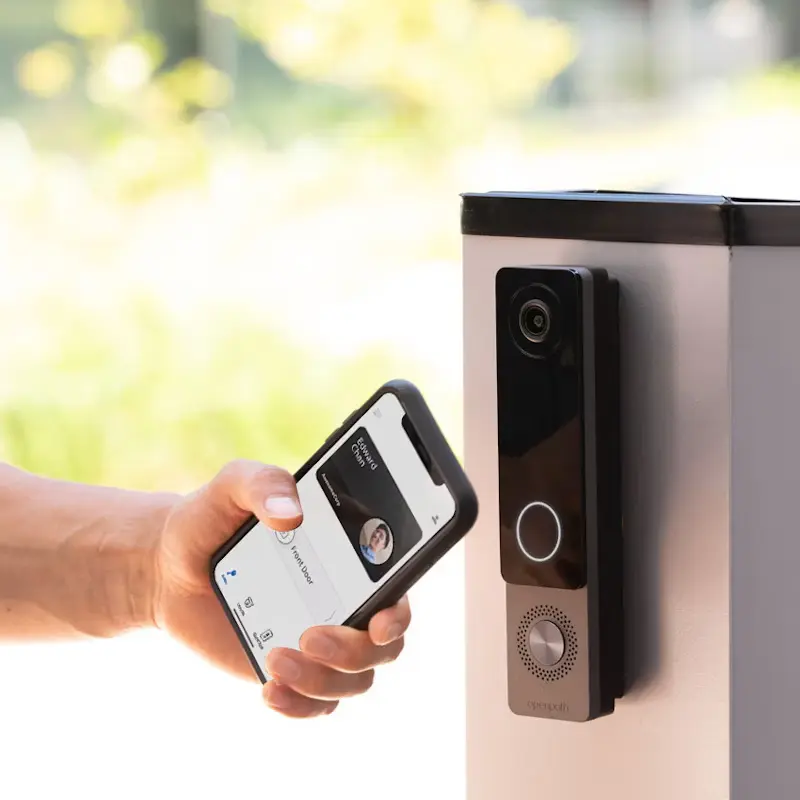
Where appropriate, coordinate the view with access control or visitor-entry procedures. If the systems are intended to associate door events with video, test the correct door-to-camera association and confirm that the timestamps make sense together.
Keep camera coverage separate from authorization. A recording can help review an event, but it does not by itself determine who should enter or replace a clear delivery procedure.
Include recording and retrieval in acceptance
Viewing live video is not the same as proving that the relevant recording can be found and exported. Ask an authorized operator to retrieve a representative event from the system after it has been recorded.
Check whether the operator can find the correct camera, select the right period, follow the event across relevant views, and export a usable file through the approved process. Confirm who is permitted to perform those tasks.
Set the retention policy around the organization’s actual needs and obligations. The existing article on how long businesses should keep security camera footage explains why there is no single retention period that fits every business. Do not assume that the installed storage provides the desired duration at every recording setting.
Use a small, repeatable coverage test
Create a worksheet with a row for each agreed scenario. Record the view, operating condition, expected result, observed result, and corrective action. A useful first set includes:
- A normal arrival and departure at a representative bay
- An occupied bay with usual equipment and staging in place
- A routine movement through the agreed handoff area
- Authorized use of the personnel entrance
- A representative low-light period during operating hours
- Retrieval and export of one recorded test event
Coordinate the test with operations and site safety procedures. Do not interrupt vehicle routes or stage unsafe movements to demonstrate a camera angle.
The TAPA EMEA CCTV systems guidance also identifies obstruction and coverage as considerations for external dock areas. That is useful industry context, not a claim that your facility needs a particular certification or that a layout automatically meets it.
Common planning questions
How many cameras does a loading dock need?
The number depends on the layout, required detail, operating conditions, and the events being reviewed. A site survey and coverage test provide a better basis than a fixed camera-per-door rule.
Should every camera record the same view?
No. Views should have defined, complementary purposes. An overview and a closer operational view may answer different questions, provided the system can support the required recording and retrieval.
Does video replace loading-dock procedures?
No. Staff responsibilities, visitor handling, safe traffic routes, and escalation procedures still need to be clear. Video supports those processes.
Plan coverage around the actual operation
Tolleson Inc. helps businesses plan IP camera systems and the infrastructure that supports them. For a warehouse or distribution center project, bring a current layout and a short list of the events your team needs to review.
Talk through your project to develop a practical scope for camera coverage, recording, and handover.