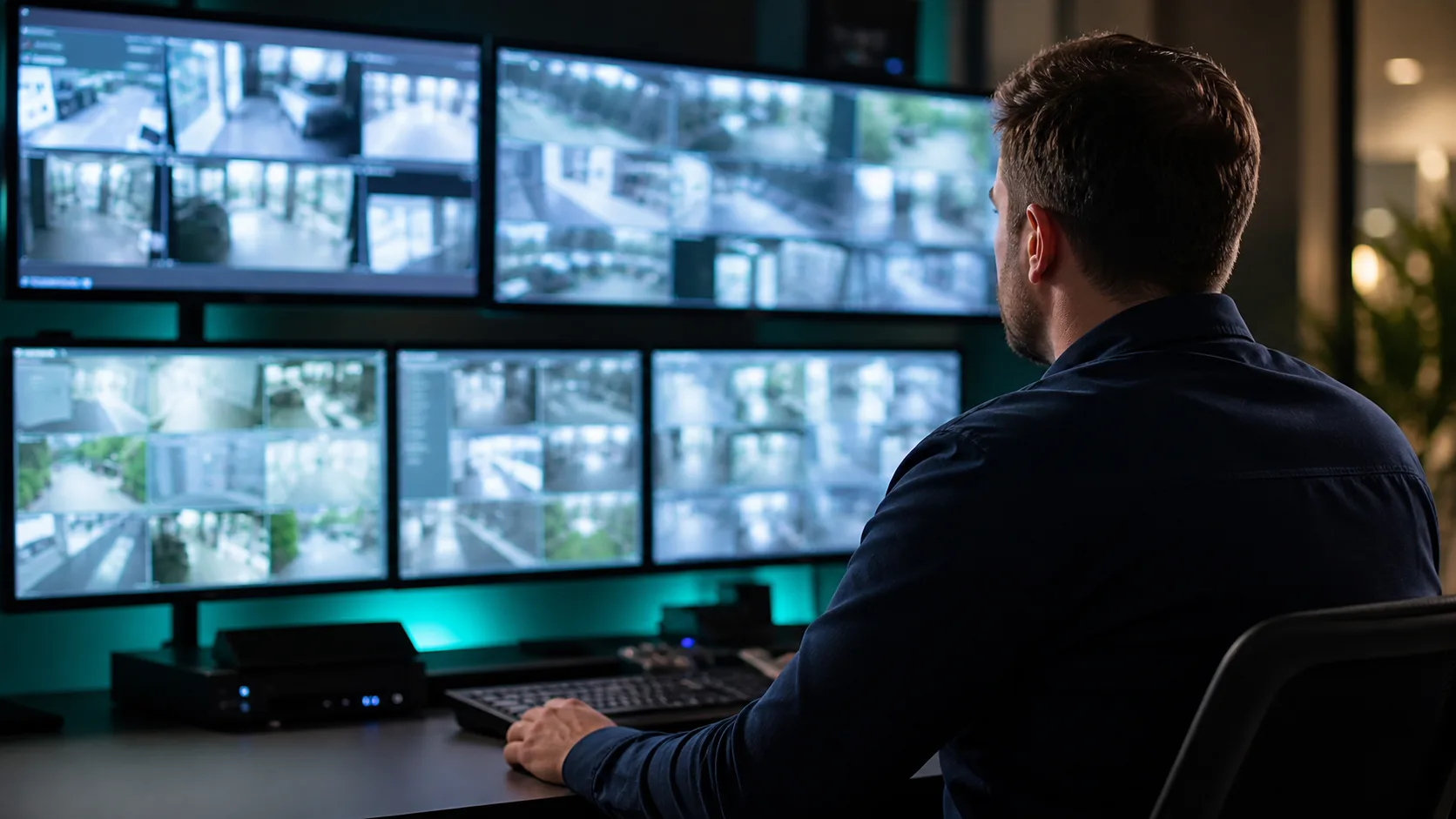
A camera that appears online is not necessarily ready for handover. The owner needs to know that each view supports its agreed purpose, recordings can be found and exported, permissions are correct, and unresolved problems are documented.
A structured security camera acceptance testing session turns those expectations into observable results before the project closes.
Begin with the purpose of every view
Review the camera schedule and identify the intended scene for each device. A camera may be intended to observe a lobby, document activity at a loading area, or provide context around a controlled entrance. Test that purpose rather than judging image sharpness alone.
Use normal operating conditions. Review daytime and nighttime lighting where relevant, common movement through the scene, obstructions, reflections, and seasonal conditions that can be reasonably anticipated. The loading dock camera coverage guide explains why scene objectives matter in active logistics areas.
Test live view, recording, and playback
Confirm that authorized users can locate each camera, understand its name, and distinguish it from nearby views. Then create a harmless test event and find the associated recording. Check playback at the workstation or application that staff will actually use.
Test export using an approved sample. Verify that the file opens on the intended review device and that staff know where exports are stored. Define who may export video and how copies are handled under the organization’s policy.
Verify retention with evidence
Do not infer retention from an estimated storage calculation alone. Compare the approved policy with the oldest available recordings after the system has collected representative footage. Motion, resolution, frame rate, scene activity, and storage health can affect results.
If the system is too new to demonstrate the full retention period, document who will perform the later check and when. Use the camera-footage retention guide to frame the policy discussion, then have legal, insurance, and operational stakeholders approve the actual period.
Review accounts and permissions
Test with representative user roles. A general operator, investigator, administrator, and outside support provider may need different capabilities. Confirm that shared default accounts are not the operating plan and that the customer controls the primary administrative ownership.
Record the process for adding, changing, and removing users. Include multifactor authentication and identity integrations when they are part of the selected platform, but verify the exact behavior in the installed configuration.
Inspect documentation and labeling
Handover should include an accurate camera list, locations, device names, recorder or cloud assignments, warranty information, administrative ownership, and support contacts. Network and rack documentation should match the final installation, not only the original design.
Ask for training that follows the customer’s common tasks: locate a view, find an event, export a clip, report a fault, and request a permissions change.
Keep an exception log
Not every issue requires delaying the entire handover. Record each exception with its location, expected result, observed result, responsible party, next action, and due date. Distinguish a minor labeling correction from a view that fails its agreed objective.
Close the list only when the owner can see the corrected result. A promise to adjust something later is not the same as a completed acceptance test.
Tolleson Inc. designs and supports commercial IP camera systems for facilities in Nashville, Middle Tennessee, and nationwide projects. Talk through your project before defining the final camera scope and handover standard.